
·1 min read
Gretio Multi Device
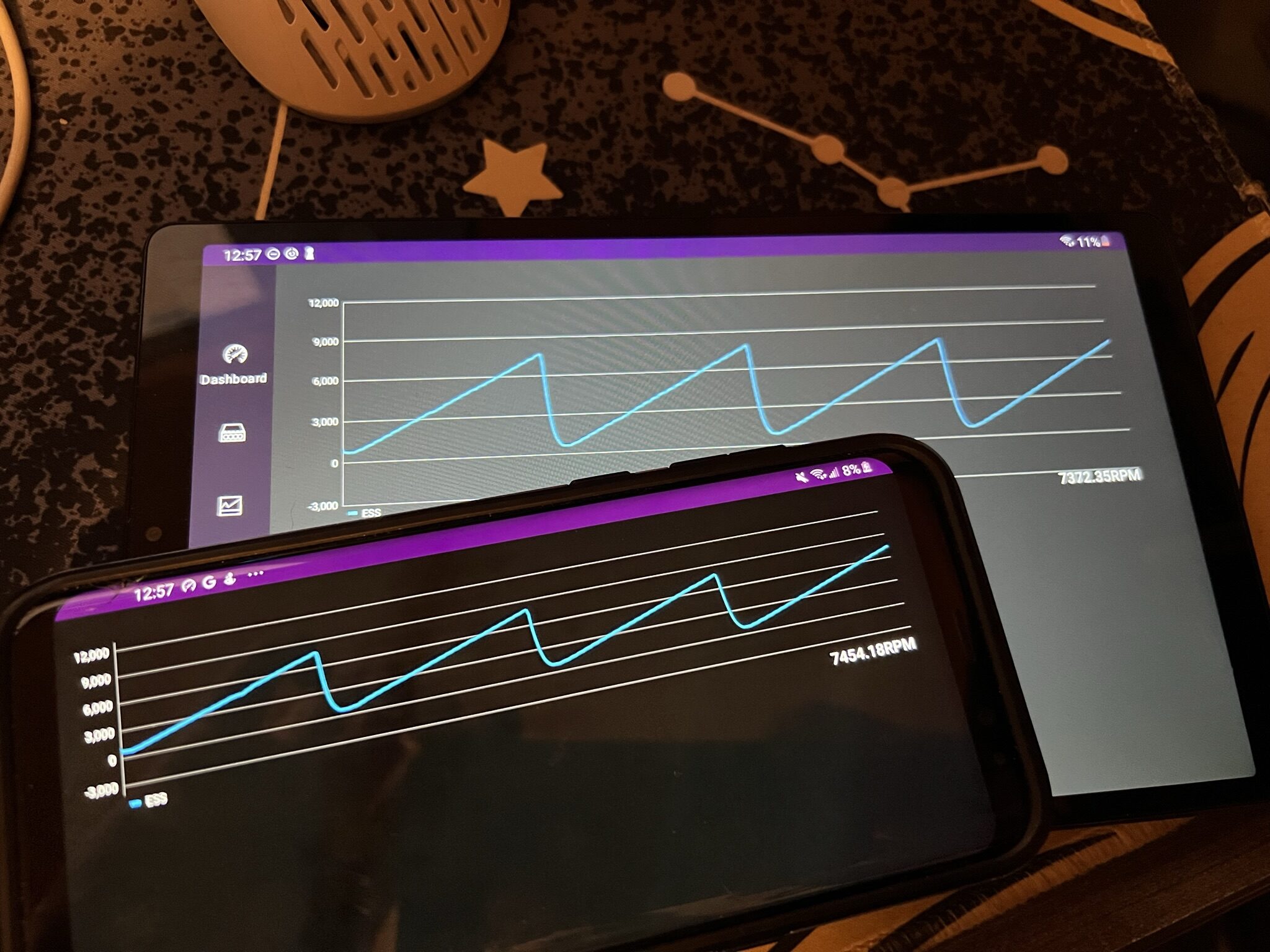
Did you know Gretio Android can work on multiple devices simultaneously?
To start, both devices must be on the same WiFi network. One device must act as the server and connect to your OBD2 device. The client device must then enter the “Server Selection” menu.
Gretio uses multicasting to find other devices. The reliability of this depends on your WiFi configuration, so it may take several tries to discover the other device.
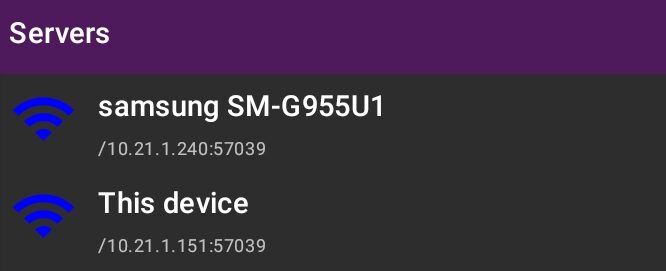
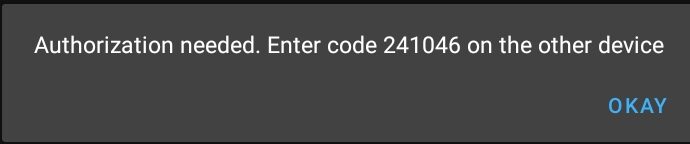
Once you have tapped a server both devices will go into pairing mode. Pairing is required to securely link the two devices.
Copy the pairing code to the device acting as the server.
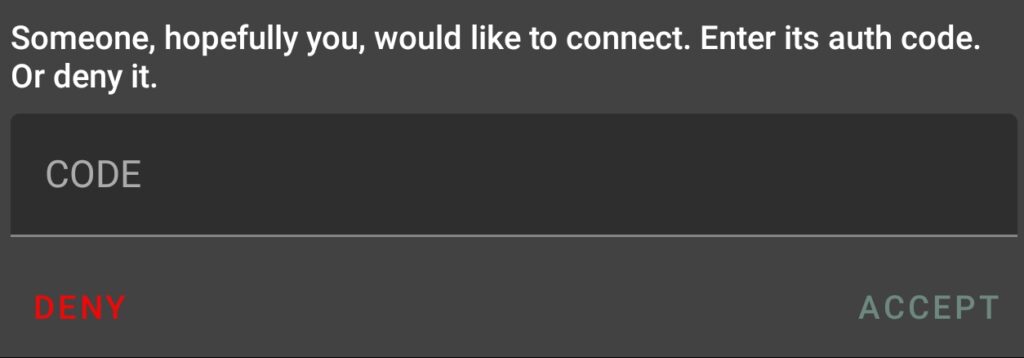
And you’re done! Both devices will now work together. The pairing process only needs to be done once and future connections will happen instantly.
Last updated May 6, 2026